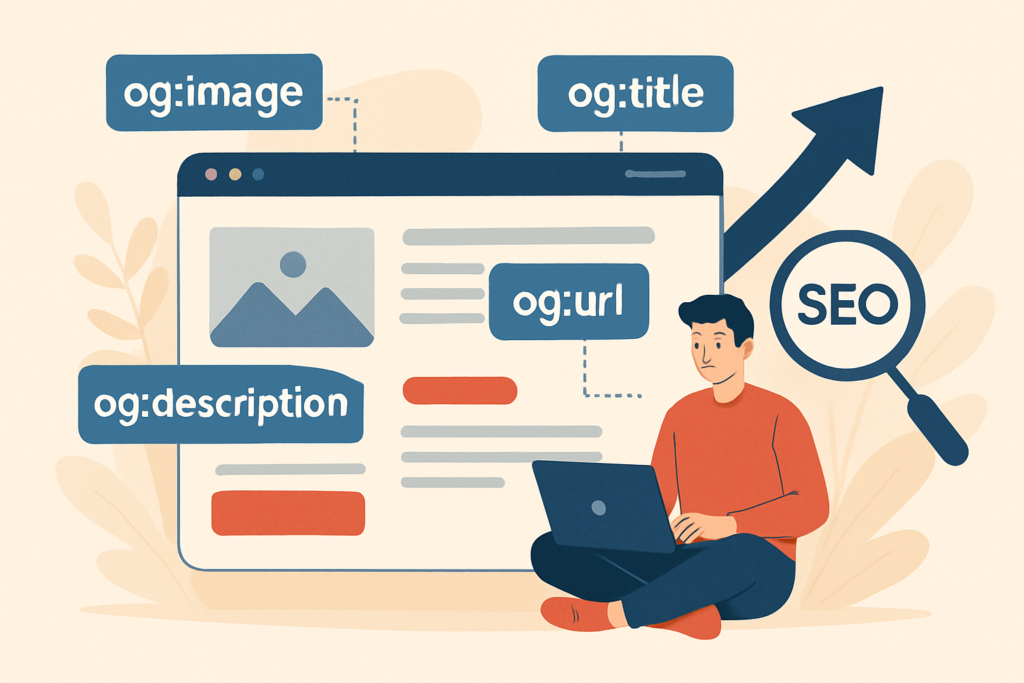
When you share a web page on a social network like Facebook or Twitter, your page title, description and featured image are automatically pulled and displayed in the post preview.
Open Graph tags let you specify exactly which title, description and image you want displayed in that preview.
Open Graph HTML Tags
Open Graph tags in HTML:
<html xmlns:og="http://ogp.me/ns#">
<head>
<title>Open Graph: why use OGP tags?</title>
<meta property="og:title" content="Article about Open Graph" />
<meta property="og:type" content="article" />
<meta property="og:url" content="https://createur2site.fr/en/seo/on-page/open-graph-tags-seo/" />
<meta property="og:image" content="https://createur2site.fr/image.jpg" />
<meta property="og:site_name" content="Web Design & SEO" />
</head>
</html>
The og:title tag: The title displayed on social networks.
The og:type tag: The type of the page — it can be an article, video or music.
The og:url tag: The canonical URL of the web page.
The og:image tag: The image displayed when you share the page on social networks.
The og:site_name tag: The overall name of your website — for example, your brand name.
FAQ
Do Open Graph tags improve SEO rankings?
There is no direct SEO ranking benefit from adding Open Graph tags. They do not influence Google’s ranking algorithm.
Why add Open Graph tags?
Adding Open Graph tags helps attract more clicks when you share your pages on social networks. You can use a more click-worthy title for social sharing without having to modify your actual SEO title tag (<title>).
How do I add Open Graph tags on WordPress?
You can easily add Open Graph tags to your web pages using the Yoast SEO plugin. Here’s how: go to your WordPress admin panel, then navigate to Yoast SEO → SEO Settings → Post Types. You can also edit Open Graph tags for specific pages by going to that page’s SEO settings (Social tab).
How do I find all available Open Graph tags?
If you want to discover all Open Graph tags, we recommend visiting the official documentation at ogp.me. For example, you’ll find the OG author tag: article:author — the article’s author.